
 WhatsApp Calling Automation

Step 01
Connect
Connect your official WhatsApp Business Account and enable WhatsApp Calling.

Connected
WhatsApp Calling
Enabled Successfully
Enable seamless business calls on whatsApp in few simple steps
and deliver real-time customer conversations.
Get your WhatsApp calling automation up and running in minutes.
Step 01
Connect your official WhatsApp Business Account and enable WhatsApp Calling.
WhatsApp Calling
Enabled Successfully
Step 02
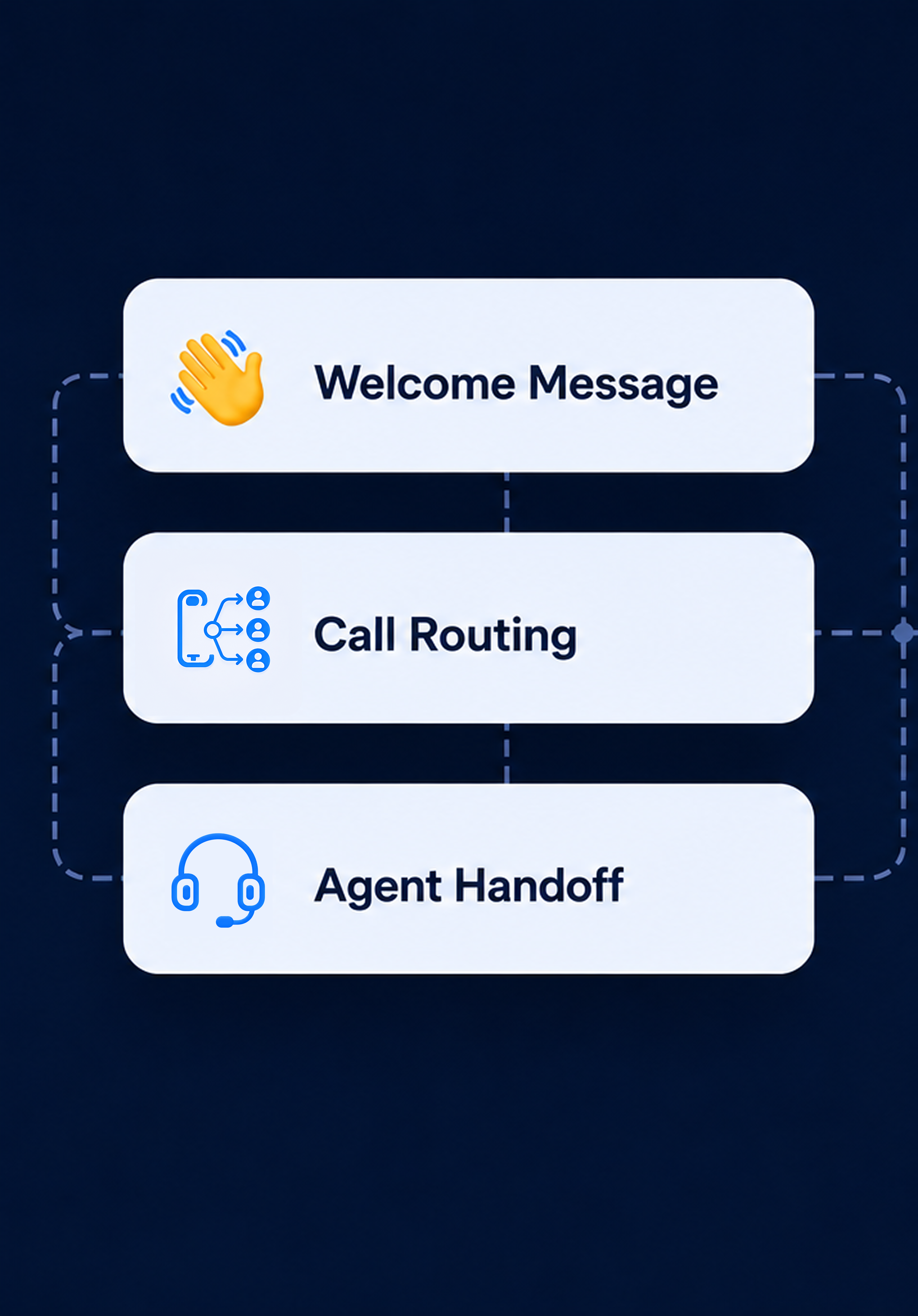
Design smart call flows with greetings, routing, prompts and seamless handoff to agents.
Step 03
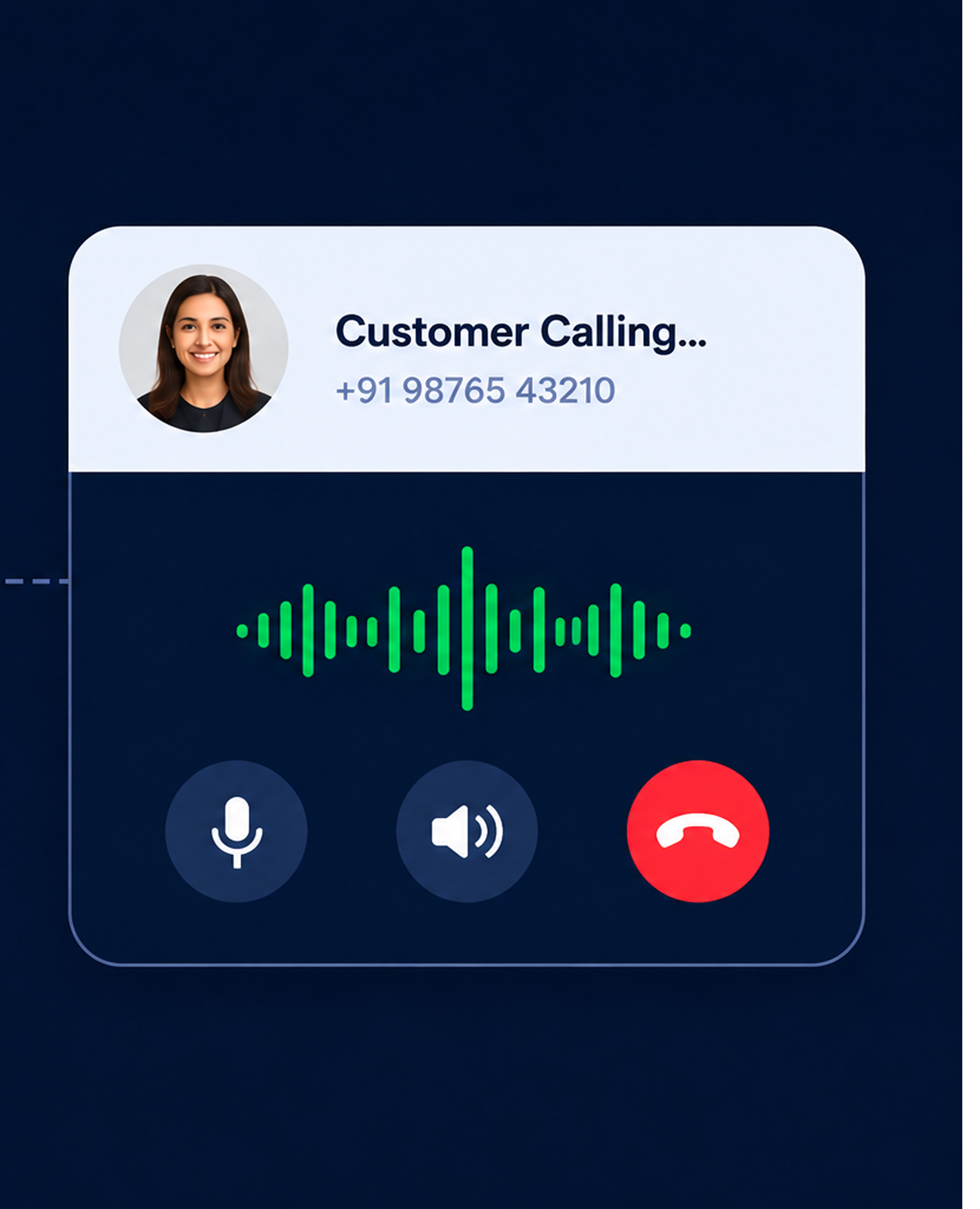
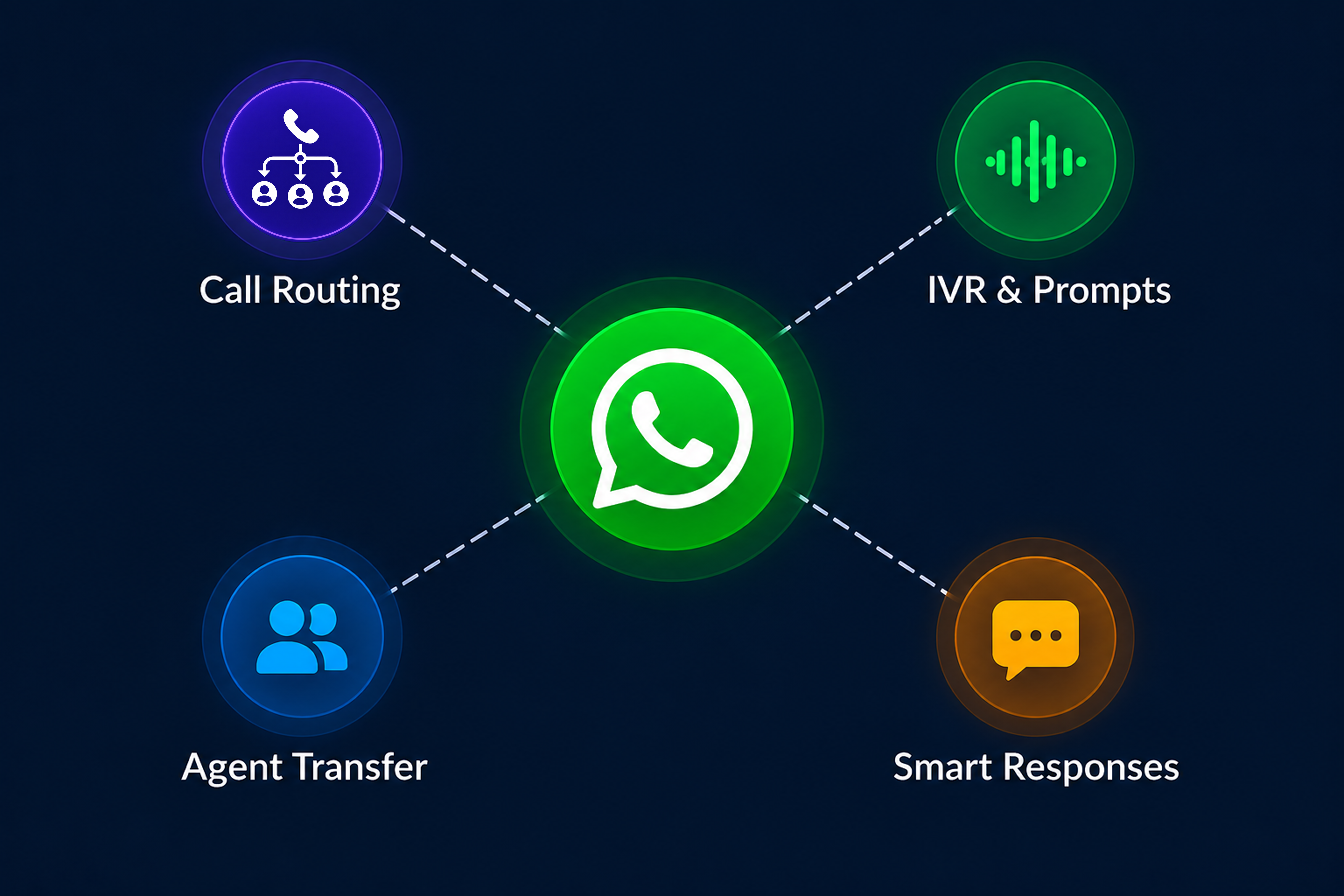
Route calls intelligently, handle queries, book appointments, share info and more 24/7.
Step 04
Track call performance, analyze conversations and improve customer experience.

Make & receive calls inside WhatsApp
Route calls to the right agent instantly
Connect with customers instantly
Improve CSAT with faster call resolution
Enterprise-grade security and data protection
.png)